Stacks Guru is born from the need to search the vast number of videos out there on stacks built for Stacks Pro and the Stacks 5 plugin for Rapidweaver.
We have scraped over 500 videos to get the transcripts for each in order to make the spoken word searchable.
Please use this free tool to help you learn and discover the awesome power that Stacks and the stacks made for Stacks have to offer.
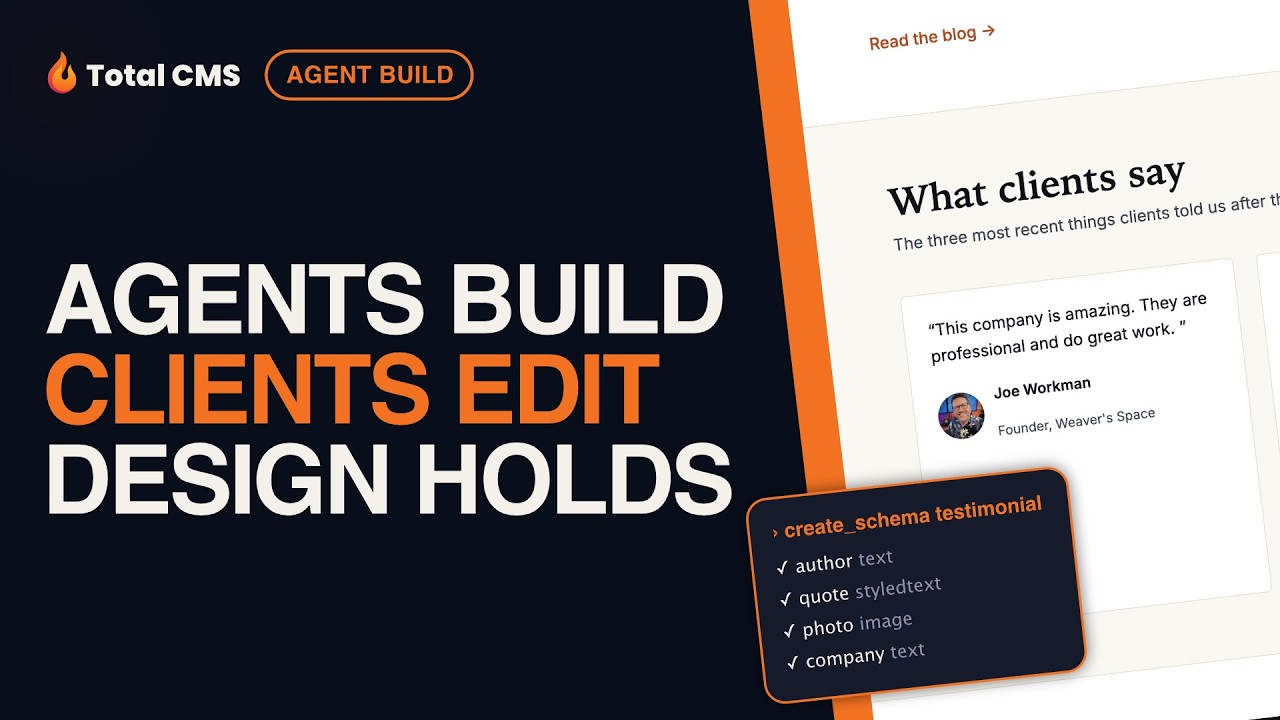
Discover how Total CMS integrates AI to streamline web development and content management. Watch as an AI assistant rapidly builds and manages a new testimonial section in real time.
Total CMS ships a built-in MCP server. Watch Claude Code create a schema, add content, and wire up a template — live. → https://totalcms.co/ai
00:00 This is a Total CMS project. It's a demo install of a fictional agency. It's running locally and I'm building this just as if I were to build any other
00:09 client website. Now, we're going to be using Claude in this video. Um and Claude has access to the public docs just like anybody would, but it knows nothing about this local install. What
00:19 versions are installed, what's the setup, it knows none of that and I'm not going to tell it. Now, as you could probably tell, this website was built with Claude code.
00:28 However, you could build this with your favorite visual builder or build it by hand. It's all up to you. Now, in the admin area, this is where we have access
00:37 to all of the data where you can edit the collections, your objects, your schemas, how all that data. But, what's different about this is it comes shipped with an MCP server so the agent knows
00:46 about all this data as well. So, what we're going to do now is I'm going to use Claude to create an entirely new testimonial section on the
00:55 webpage. So, here Claude has built out a plan with a schema, all the properties that we need for the testimonials, the collection, um five sample records, and
01:05 the partial layout that it's going to need to inject that content onto the homepage. So, if we dive into the admin area, we'll see that it created a new
01:14 collection for us called testimonials. And if we go into that collection, it's created sample data. And we can go ahead and look at one of those objects and see
01:22 that data. And I think it would be nice to add a photo. So, let's go ahead and add a new photo um to this hey, pretty handsome guy. Now, on top of that, let's
01:32 go ahead and check out the schema which has the definition of what those objects are, all the properties. Now, AI did all of this for us. I did
01:40 none of this. So, let's go ahead and have a little peek behind the curtain and look at the project again. As you'll see, there is
01:48 no database. All the data is contained within flat JSON files on our server. Okay, now this is the part I really care about. Here is the template that
01:58 actually injects the testimonials onto our webpage. And what's really vital here is that AI knew the exact Twig functions to use from the local
02:07 documentation, not from some doc site that's three releases behind. It got the exact functions it needed and added the
02:16 Twig and HTML that it needed to display our testimonials onto the webpage. Now let's have a look at the homepage. Here we are, three testimonials on the
02:26 homepage that didn't exist 10 minutes ago. So here I'm actually now logged in as a client. I have limited access to data
02:37 and I'm going to add in a new testimonial into the CMS.
02:47 And if we go to the homepage, what you'll notice is that new testimonial has been added. And what's really important here is that we built it, the
02:55 client can edit it, but the design stays the same. So as you see, that was a real session on a real website. That was you and your
03:05 agent working together to build out the website, the design, and the data structure. Your client can log in and edit that content, yet your design stays
03:15 the same. So go out there, try Total CMS. You have a 45-day free trial with everything turned on. I know you're going to love it.