
Stacks Guru is born from the need to search the vast number of videos out there on stacks built for Stacks Pro and the Stacks 5 plugin for Rapidweaver.
We have scraped over 500 videos to get the transcripts for each in order to make the spoken word searchable.
Please use this free tool to help you learn and discover the awesome power that Stacks and the stacks made for Stacks have to offer.
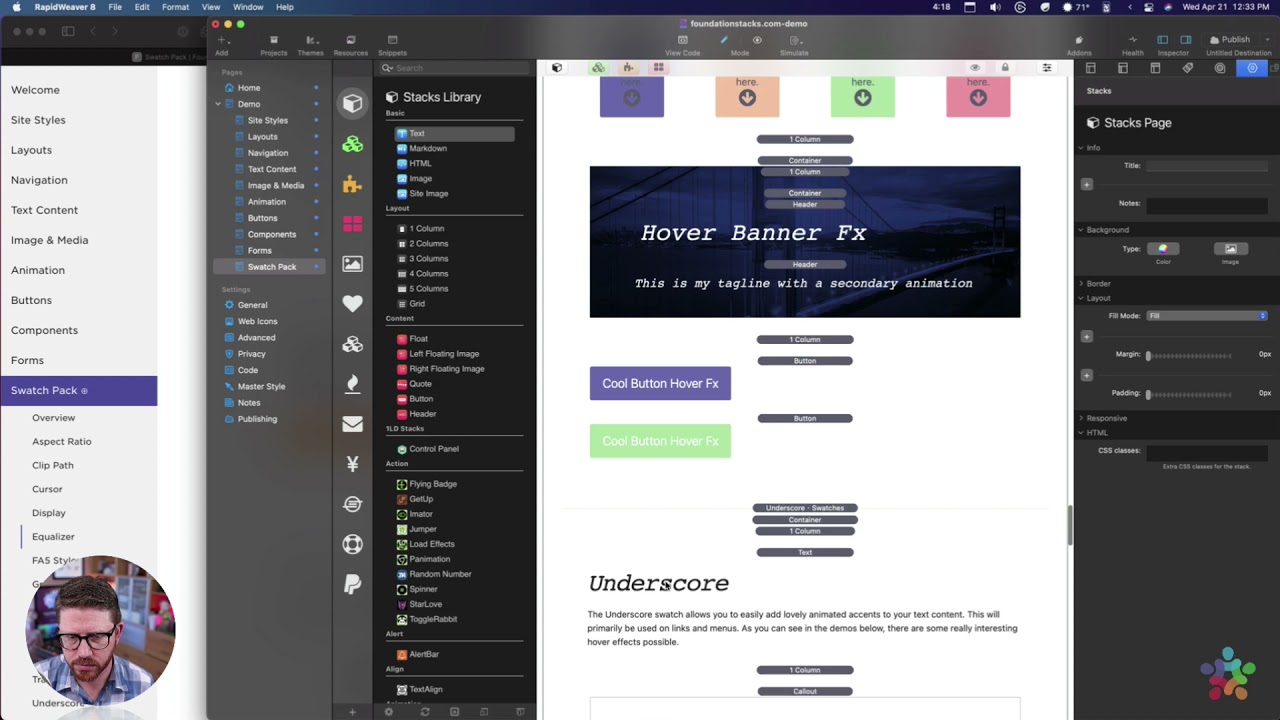
00:09 next
00:09 is phone awesome five styles so it's
00:11 just a really
00:12 a swatch just to make it really easy to
00:15 style your icons
00:16 okay so you can you still need to put on
00:18 your font awesome snippets on the page
00:21 and you can use this swatch to style
00:24 them either size
00:25 color hover colors and all that jazz um
00:28 you can
00:29 you know style them much easier now okay
00:31 fa5 styles
00:35 so we'll look inside of this block grid
00:38 um i have font awesome icons disabled in
00:41 edit mode
00:42 um just to make things a little bit
00:44 faster so
00:46 if you're if you're not disabling um
00:48 font awesome icons in edit mode
00:50 um you might want to try it if you if
00:53 you want things maybe a little bit more
00:54 performant
00:55 so inside site styles if you go into
00:57 your font awesome swatch
00:59 just go ahead and uncheck the load icons
01:02 in edit mode
01:03 um and that will make it so you can't
01:05 see the icons in edit mode
01:06 but it really does help with performance
01:09 of edit mode so
01:10 um yeah if you're okay with not seeing
01:12 the icons in edit mode i definitely
01:14 recommend you
01:15 turn that off okay um so there we go
01:21 let's go back down to that
01:30 okay here we go so um
01:33 in here you'll notice that i have you
01:35 know a bunch of uh font awesome icons
01:37 and they're just inside of an html stack
01:39 and it's just they have there's nothing
01:41 special in them they have just the font
01:43 awesome code
01:44 um i didn't add any classes no nothing
01:47 okay so um let's look at some
01:51 uh some swatches that i have here
01:54 this first one allows us to i'm
01:56 targeting solid icons and light icons
01:59 okay and what's kind of cool is you can
02:01 target all of the icons within a
02:03 particular layout
02:04 so here i'm providing a parent class of
02:07 icon grid
02:08 and i think i added that to yeah this
02:10 block grid here
02:12 has a parent class of icon grid okay so
02:15 essentially
02:16 what this is doing is it's
02:20 uh it's targeting all light and solid
02:23 icons
02:24 inside the icon grid
02:31 okay so um so yeah so there we go so i'm
02:35 applying some hover styles where we can
02:37 apply um basically well here it looks
02:39 like my icon colors are the same so that
02:41 doesn't really matter
02:42 um and then you can provide custom
02:44 sizing so this sizing is gonna
02:46 size all the icons to 50 pixels 6
02:49 pixels and 70 pixels
02:51 um you know so they're all uniform and
02:53 we define as you see different sizes for
02:55 different
02:56 uh break points
02:59 okay so the next one um the next one
03:02 uh we'll target uh a parent class of red
03:05 icon
03:06 so i think if we look at some of these
03:08 block grid cells yeah if you look at
03:10 some of the block grid cell
03:12 um i have various things so like this
03:14 cell has blue icon
03:16 um this one has red icon this one has a
03:19 red icon
03:20 and this one has blue icon right um
03:24 so it allows us to target all of the
03:26 icons within a parent class called red
03:28 icon
03:29 and here i am i'm styling those red
03:33 and on hover they're going to be orange
03:35 right so over here if we look
03:36 this red one when i hover over it it is
03:38 orange
03:40 okay same thing with these blue ones
03:42 when i hover over it it's going to be
03:43 green
03:44 okay and i'm pretty sure that's what
03:45 this one does so this one yeah it does
03:47 blue icon blue hover green
03:50 there you go so yeah this is a really
03:54 simple swatch to use but it's just um it
03:56 does make it easier to style our icons
03:58 to make sure the icons on our page are a
04:00 uniform color


