
Stacks Guru is born from the need to search the vast number of videos out there on stacks built for Stacks Pro and the Stacks 5 plugin for Rapidweaver.
We have scraped over 500 videos to get the transcripts for each in order to make the spoken word searchable.
Please use this free tool to help you learn and discover the awesome power that Stacks and the stacks made for Stacks have to offer.
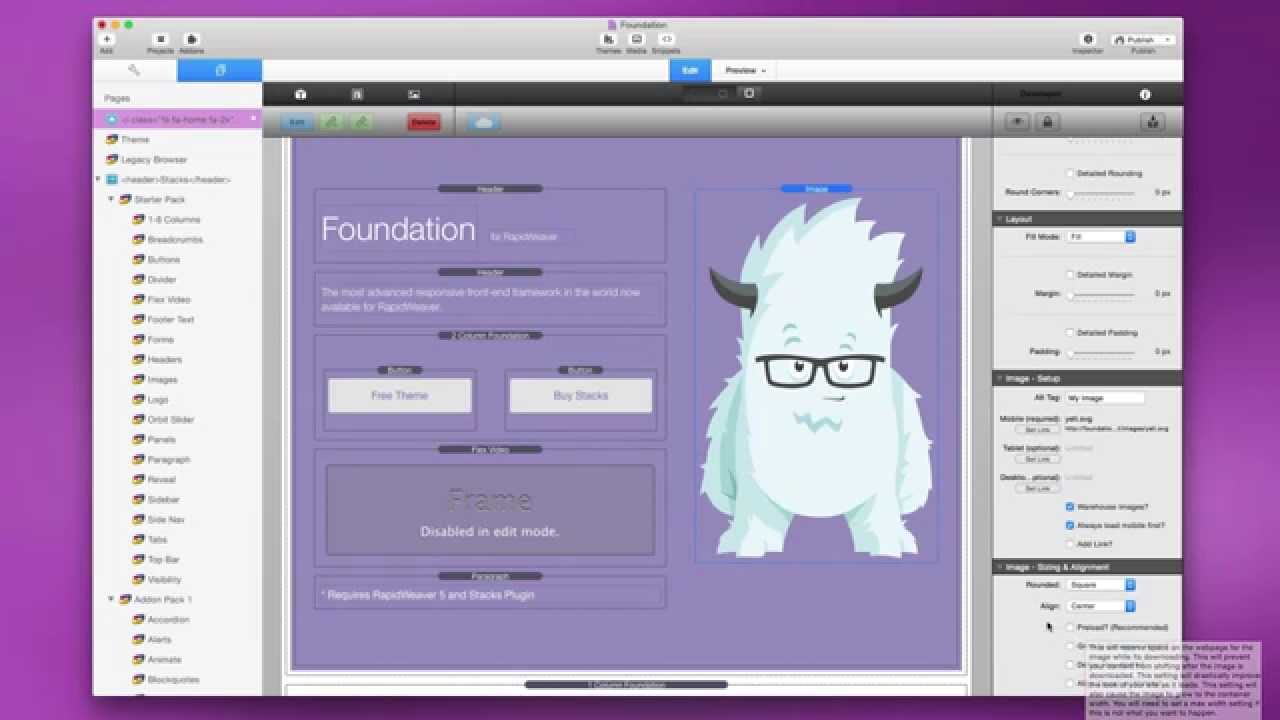
00:06 well hey everybody this is joe workman
00:08 and today we're going to look at the
00:09 amazing foundation 1.3 update
00:12 now there's one thing if i could choose
00:15 one word to sum up this update it is
00:18 speed right i mean if you look at the
00:22 foundation sites that are using 1.3 and
00:24 see how fast they download your you will
00:27 just be blown away i mean the the small
00:30 little tweaks that i made i i work on
00:32 days on optimizing um some of the
00:34 downloads of the foundation assets and i
00:37 am really blown away at the performance
00:40 it really is two three four times faster
00:44 than the previous version and the
00:45 previous version was already fast so
00:48 this means foundation sites for 1.3 are
00:50 just blazing fast and i am really really
00:53 excited about it i can't wait to see all
00:55 the the really fast websites that come
00:57 from it and without further ado we're
00:59 gonna choose five things to look at in
01:01 this update i'm not gonna go over every
01:03 single thing okay we're gonna look at
01:05 five things um that i think are kind of
01:08 the the most impactful settings and
01:10 changes and features that are inside
01:12 this 1.3 update so without further ado
01:15 let's go ahead and check it out
01:18 now before we jump into some features
01:20 let's go ahead and show you where you
01:21 can find out where all the change notes
01:23 are for everything that changed in
01:25 foundation 1.
01:27 now you probably already know that on my
01:28 doc portal i have a foundation document
01:30 portal
01:31 and if you scroll down to the stack
01:33 settings and release notes you'll see
01:35 that there's three sections here for the
01:37 starter pack the add-ons pack one and
01:39 the add-ons pack two
01:41 and if you were to open up each
01:42 individual section you'll see that
01:44 there's a release notes for each pack
01:46 so if we click on this one we'll see
01:48 that this has the release notes for our
01:51 starter pack
01:53 so i hope that you're leveraging this
01:54 doc portal because it's a fabulous
01:56 resource to really learn about all the
01:58 settings and some faqs and really get
02:01 the the full power of foundation and all
02:03 of my stacks
02:06 so the first thing that i mentioned
02:07 about foundation 1.3 is that it's just
02:09 blazing fast right
02:11 now here i have a safari window and i've
02:14 disabled browser caching in it
02:16 so if we were to flip through the
02:17 foundation site
02:19 we'll notice that these web pages are
02:21 downloading pretty much instantly
02:24 right i mean they're just blazing fast
02:27 um i'm very very happy with the
02:29 performance and uh you know
02:32 if i were to enable browser caching that
02:34 means these web pages are going to
02:35 download even faster
02:37 so it's really amazing how fast our
02:39 sites can download with this single
02:41 foundation update
02:42 now another thing that we've done here
02:44 is inside the theme we've updated
02:45 foundation to the latest version of the
02:48 zurb foundation framework so we're
02:50 currently now running foundation
02:52 framework version
02:54 5.5.1 right
02:56 so just to let you know where we got a
02:58 ton of bug fixes um by upgrading that
03:01 right that's one of the powers of
03:02 leveraging a great open source framework
03:04 such as foundation because the open
03:07 source community really contributes new
03:09 features and bug fixes
03:11 to the underlying framework that we get
03:13 to capitalize on
03:15 so the first new feature that i want to
03:17 talk about is in site styles
03:19 and it is inside the foundation text
03:21 group and we'll notice that there is a
03:23 new site language setting and there are
03:26 over 100 different languages that you
03:28 can define
03:30 here so if your site is in english which
03:32 is obviously the default you can do that
03:34 if your site is in german go ahead and
03:36 set german and what this do this does is
03:39 it actually sets the language inside the
03:42 webpage header
03:43 to be that language
03:45 this is a great internationalization
03:47 feature that uh is really a
03:50 differentiator now uh with foundation
03:52 now while we're inside site styles uh
03:55 we'll notice that there are a bunch of
03:57 new foundation text features okay
04:01 and a lot of them are hidden by default
04:03 but the first one we'll notice here is
04:04 that there's now a style italic option
04:07 for your h1 font h2 fonts okay so you
04:10 can actually have italic headers now
04:13 which is really great
04:15 now where we get a lot more power user
04:17 features is if we go ahead and go um
04:20 if we select custom definition
04:23 we'll notice now that we have a few new
04:25 options here
04:27 okay
04:28 first we'll notice that there's a font
04:30 fallback
04:31 okay
04:32 and what this is important is
04:35 let's say we were loading a google font
04:37 so in this case open sans i want to
04:39 check load google font
04:42 now let's say something happens and that
04:44 font wasn't able to be loaded
04:47 what the font fallback does is it
04:48 provides a fallback font family for our
04:52 sites to use in the case the external
04:56 font isn't loaded properly
04:58 so what this does is we have all the
05:00 generic font families here
05:02 uh that are
05:03 basically every single font in the world
05:05 is based off one of these generic font
05:07 families
05:09 most are going to be sans serif but you
05:10 have cursive fonts and mono space fonts
05:12 and whatnot right
05:14 so it's great to choose a font fallback
05:17 if you're loading a custom font
05:20 next we'll notice that we have the
05:21 ability to add additional weights to
05:24 load
05:25 now this is only if you're loading via
05:27 google
05:28 so how do we use this
05:30 basically here i i set the font weight
05:32 to 300 but let's say i want the option
05:35 to also maybe load
05:37 a 600 and 700 font weight for this
05:40 particular font because maybe i want to
05:43 do a custom header
05:45 later on inside the header stack or
05:47 something of that nature right so all we
05:49 need to do is type in our numbers that
05:52 we want so if we want
05:54 500 and 700 we would load 500 comma 70
05:59 and it will load those for you
06:02 now if you want to load an italic
06:04 version of that weight you would then do
06:06 let's say we wanted 700 italic we would
06:08 do 70
06:10 italic
06:12 okay
06:13 no spaces make sure it's all one word
06:16 and this is uh basically the syntax that
06:18 google requires so
06:20 this is how you would define all those
06:23 various font weights
06:26 and just to show you here we are in a
06:27 header stack so let's say i define my
06:30 style as custom okay and then i could go
06:33 down here and then i could find a custom
06:35 font weight right now if i were to
06:37 choose 700 i know it would work because
06:40 i told site styles to also load the 70
06:44 font weight for my header
06:48 now the next new feature that i want to
06:49 point out is with images
06:52 have you ever gone to a website and
06:55 you know as the website's loading you
06:57 see the content basically growing and
06:59 moving down the page as the images are
07:02 actually being downloaded onto the web
07:04 page
07:05 now what if we had the ability to have
07:08 our image reserve its space
07:11 and then fill that space once the image
07:13 is downloaded
07:15 this is basically what's called a reflow
07:17 effect and as images download your
07:20 content that is below it moves down the
07:23 page
07:26 so what we've added in the image
07:28 stack to help this is a new preload
07:31 option
07:32 now i would love to have turned this on
07:34 by default however i didn't want to
07:36 break any existing stacks
07:39 because when you check the new preload
07:41 option
07:42 you actually have to put it in the
07:44 actual image width and height
07:49 okay
07:50 and what this does is it will now
07:52 reserve the space
07:55 where that image is going to be located
07:57 for the image
07:59 this will give us much nicer and a lot
08:02 more elegant page loads
08:05 now the next thing i want to point out
08:07 is off canvas
08:09 and off canvas we put a lot of work into
08:11 it in this update we fixed a lot of bugs
08:14 and really made it a lot more reliable
08:16 across all devices
08:18 and probably one of the biggest
08:20 requested features was the ability to
08:22 actually have a different color scheme
08:25 for the menu than we have for the menu
08:28 bar right so as you see now i have a
08:31 white text on a dark purple background
08:33 where my title bar is purple text on a
08:37 gray background right so we can now
08:39 style those differently
08:41 now the last feature that i want to
08:43 review here is inside the foundation one
08:45 column stack
08:47 and
08:48 as users have become more advanced and
08:51 they start using stacks like our jack
08:53 stack and things of that nature they've
08:55 really started to realize the power of
08:58 responsive padding
09:00 so what we've done in the one column
09:02 foundation stack is we've allow you to
09:04 have detailed padding now instead of
09:06 just having top and bottom padding
09:09 so if you were to check the detailed
09:11 padding you'll notice now that we have
09:12 the ability to
09:14 define a unit so we can have percentage
09:17 or rem padding okay they're both
09:20 responsive units
09:21 and then you can define the padding for
09:23 the top bottom left and right all
09:25 individually
09:27 so this will really give you a lot of
09:28 flexibility in terms of laying your
09:30 content out and you know define padding
09:33 and whatnot so
09:35 but i think it's very powerful because
09:36 um
09:37 a one column stack is a lot you know
09:40 less weight than something like adding a
09:41 jack or other stacks to the page right
09:44 so this is a really powerful thing
09:46 because it's a feature that a lot of
09:47 users use
09:48 and now we've added it to the most basic
09:50 of stacks so that we can really group
09:52 our things together and add the
09:54 responsive padding that we want to them
09:57 so that wraps it up everyone that is our
09:59 foundation 1.3 update now again there's
10:01 a lot more um you know things that were
10:04 changed bugs that were fixes new
10:06 features that were added new settings
10:07 right so there's a lot happening in this
10:10 update but we just went over the top
10:12 five what i thought were the top five
10:14 things and i really hope you enjoy this
10:16 update and i i hope you love the speed
10:19 right i worked really hard on this beat
10:21 and i'm really proud of it so i hope you
10:23 enjoy it thank you very much for uh you
10:25 know using our products and loving them
10:28 and uh thank you very much have a great
10:29 day everyone bye


