
Stacks Guru is born from the need to search the vast number of videos out there on stacks built for Stacks Pro and the Stacks 5 plugin for Rapidweaver.
We have scraped over 500 videos to get the transcripts for each in order to make the spoken word searchable.
Please use this free tool to help you learn and discover the awesome power that Stacks and the stacks made for Stacks have to offer.
00:06 hello everyone this is Joe workman and I
00:08 like to introduce you to the new Houdini
00:10 stack Houdini allows you to magically
00:13 transport your stack data to previously
00:16 unknown destinations where stacks
00:18 couldn't go before so it's really simple
00:22 you add a image or stack or whatever
00:25 data you would like into Houdini and
00:27 then inside the settings you define
00:30 where you would like that particular
00:32 stack to go by default it's in the
00:35 sidebar now when the sidebar you can
00:37 select you want it to go in the bottom
00:39 or in the top of that stack so it's
00:43 really simple you click on sidebar go to
00:46 bottom you preview it and magically your
00:51 stack data is imported into your sidebar
00:55 now this works for sidebar footer extra
00:59 content areas allows you to define what
01:01 your extra content ID is and on top of
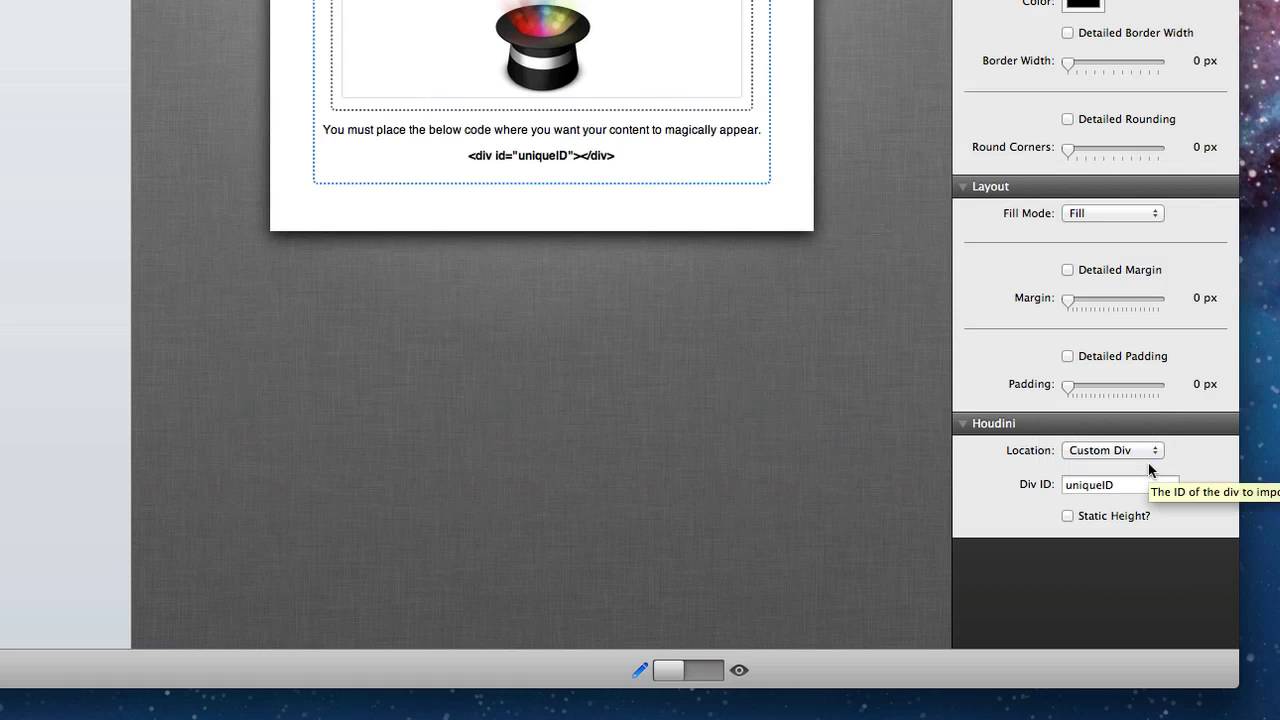
01:05 that you can do a custom div what this
01:08 is is basically you take the code that
01:11 is displayed with in edit mode and paste
01:14 that code anywhere on your web page now
01:17 Houdini will find this code and place
01:20 your stack data exactly where that code
01:22 is the Houdini stack couldn't be simpler
01:26 to use I hope you enjoy it everybody and
01:30 have a great day
01:32 you


