
Stacks Guru is born from the need to search the vast number of videos out there on stacks built for Stacks Pro and the Stacks 5 plugin for Rapidweaver.
We have scraped over 500 videos to get the transcripts for each in order to make the spoken word searchable.
Please use this free tool to help you learn and discover the awesome power that Stacks and the stacks made for Stacks have to offer.
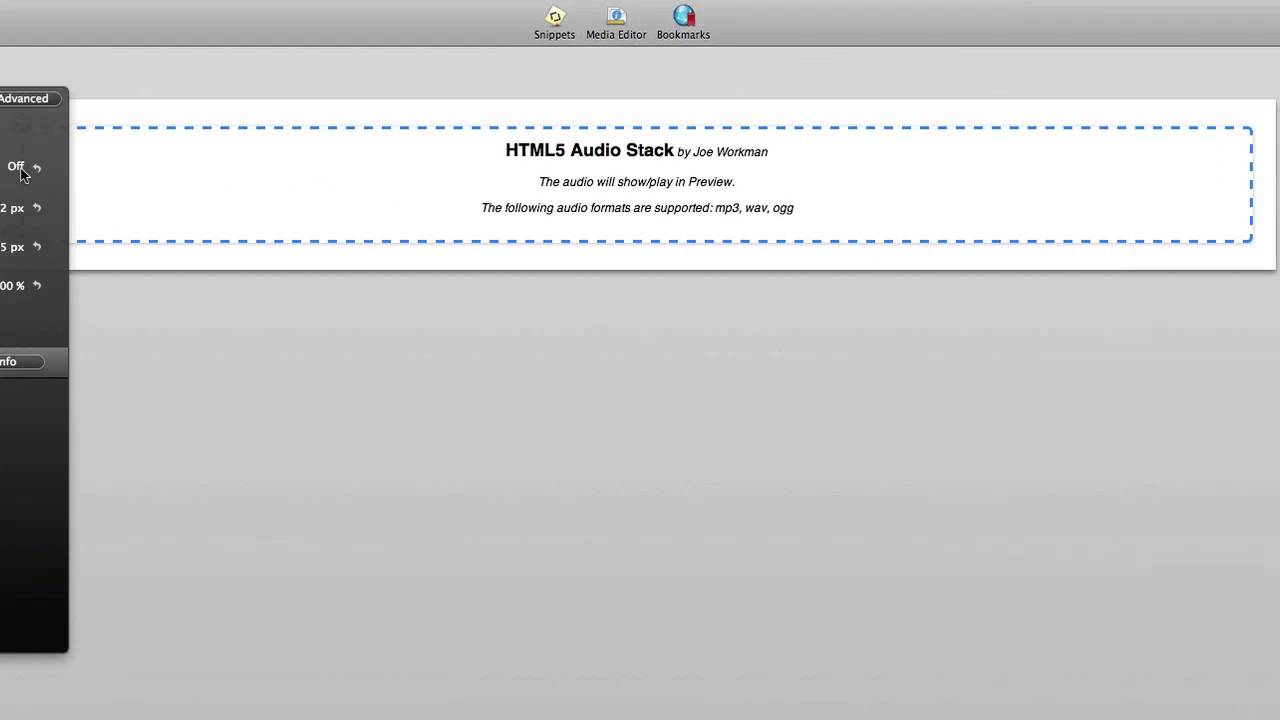
00:07 hi this is ryan from wrap Weaver
00:09 classroom calm and I'd like to introduce
00:11 you to the html5 audio stack from Joe
00:14 wortman this deck is very easy to use
00:16 and allows you to add audio files to
00:18 your website and creates a simple html
00:22 player to play your audio files now if
00:24 you're working with a browser that does
00:26 not support html5 players then the stack
00:29 will default to a flash player so it's
00:31 compatible with all browsers let's jump
00:34 into edit mode and I'll show you how to
00:35 use this stack it's quite simple you
00:37 just click in to the html5 audio stack
00:40 after adding it to your page and in the
00:42 inspector HUD there's a few options you
00:45 can add an mp3 a wave or an OGG file and
00:49 there's a path for each and so you can
00:51 have your mp3 or other audio file hosted
00:54 online on your server or elsewhere or
00:56 you can use rap weavers resources and
00:58 add the path to the field and so the
01:02 stack will pull the correct version of
01:04 the file based on what browser you're
01:06 using if you choose to use one or more
01:09 of these paths finally you have the
01:12 options to autoplay to loop to show the
01:15 controls and auto buffer the track the
01:18 nice thing with the show controls
01:19 options you can choose to hide the
01:21 controls essentially making the audio
01:23 player invisible on your site of course
01:25 in that situation you would want to have
01:27 it set to auto play that way the
01:29 visitors would hear the audio when they
01:31 visited your site so you can see it's a
01:33 very simple stack to use and it presents
01:35 a great function and feature for your
01:38 site so that is the html5 audio stack
01:40 from Joe work
01:43 you


