
Stacks Guru is born from the need to search the vast number of videos out there on stacks built for Stacks Pro and the Stacks 5 plugin for Rapidweaver.
We have scraped over 500 videos to get the transcripts for each in order to make the spoken word searchable.
Please use this free tool to help you learn and discover the awesome power that Stacks and the stacks made for Stacks have to offer.
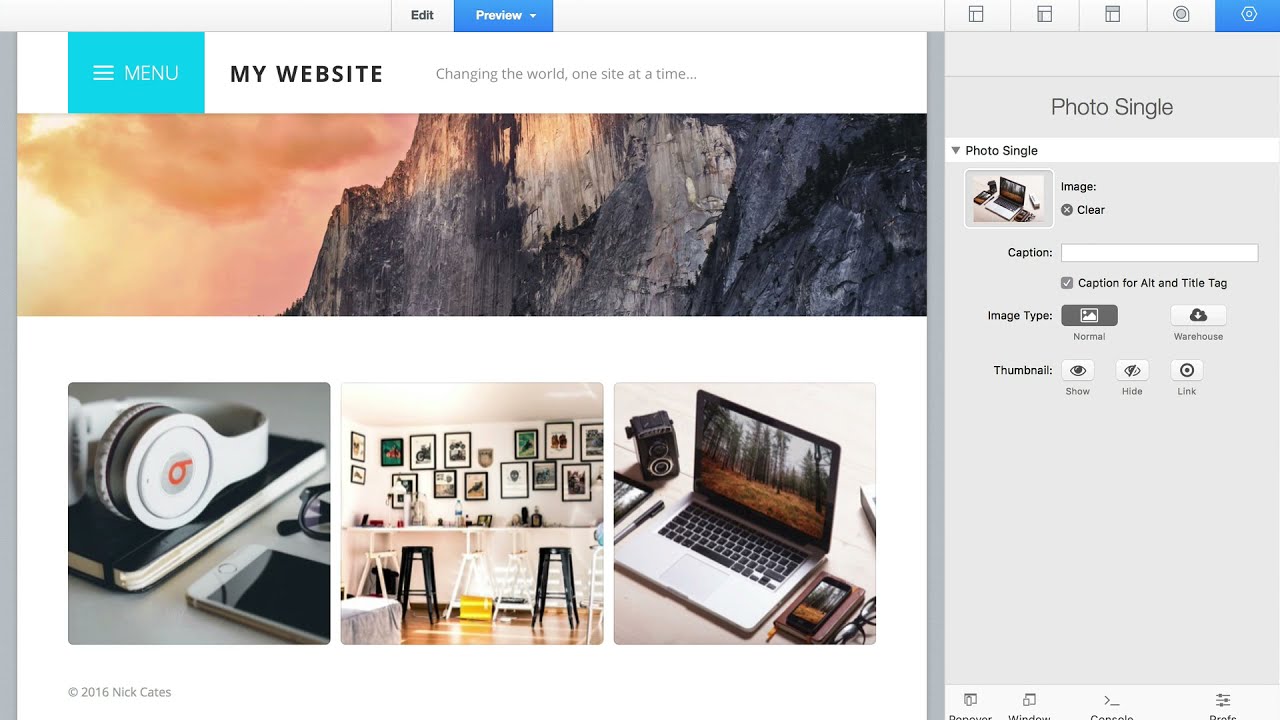
00:00 getting started photo installs two
00:02 stacks into rapidweaver
00:04 photo base and photo group to get
00:06 started
00:07 drag a single photo base stack into your
00:10 stacks 3 page
00:12 then drag a photo group stack to your
00:14 page
00:15 only one photo base is required but you
00:17 can add as many photo groups as needed
00:20 to add your images click an empty image
00:23 container
00:24 then drag and drop your image into the
00:26 photo single
00:27 edit panel you can add or remove images
00:31 by clicking the blue
00:32 plus button or black delete button after
00:35 adding your images
00:37 switch to preview to test your gallery
00:40 from here you may want to start making
00:42 adjustments
00:43 there's three main levels of settings
00:46 photo base
00:47 photo group and photo single base
00:50 settings are for the overall
00:51 gallery and light box group settings are
00:54 for thumbnails
00:55 and single settings are for individual
00:58 images
00:59 understanding this basic structure to
01:01 photo should be enough to get started
01:03 please see other tutorial videos for
01:05 advanced usage


