
Stacks Guru is born from the need to search the vast number of videos out there on stacks built for Stacks Pro and the Stacks 5 plugin for Rapidweaver.
We have scraped over 500 videos to get the transcripts for each in order to make the spoken word searchable.
Please use this free tool to help you learn and discover the awesome power that Stacks and the stacks made for Stacks have to offer.
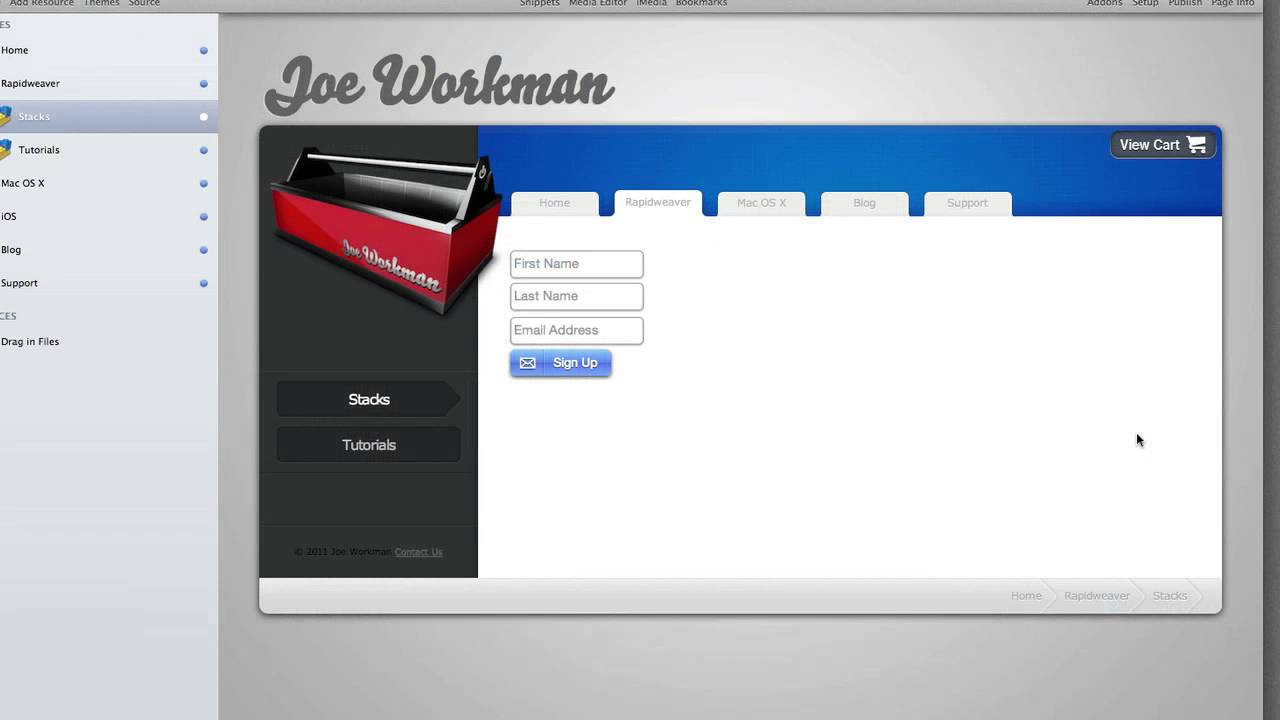
00:07 hello everybody this is joe workman and
00:09 today i'd like to introduce you to the
00:11 new post office stack
00:13 the post office stack is a full-blown
00:15 email subscription management system for
00:18 your rapidweaver website
00:20 now while it integrates into several
00:22 third-party email vendors such as mad
00:24 mimi mailchimp aweber and soon to be
00:28 vertical response by default it actually
00:31 manages its own database
00:33 all you need to do is create a mysql
00:36 database on your system and post office
00:38 will take care of the rest it will
00:39 create the tables it will update it it
00:41 will maintain the database and you will
00:44 even be able to export your data to a
00:46 csv all directly within the stack
00:50 now building a form with post office
00:52 couldn't be easier
00:54 when you first drag the stack onto the
00:55 page it allows you two fields you have
00:58 an email address field and a sign up
01:00 button
01:02 however you can easily extend that to
01:04 build a form that contains first name
01:07 last name
01:08 and email address
01:11 so you can really customize this form to
01:13 be in line several lines you really have
01:15 a lot of customization in terms of the
01:17 look and feel of how you'd like your
01:19 form to look
01:21 you can make the first and last name
01:22 fields required and you can even
01:24 customize the error when those fields
01:27 are not supplied and what's even greater
01:30 is that once a form is submitted
01:33 the button has a custom success message
01:35 that will be displayed to the user
01:37 let's see how this functions so i have a
01:41 simple email form on my website
01:43 and let's go ahead and test this
01:45 let's say i put in a fake email address
01:47 something that doesn't look like an
01:49 email and i click sign up we'll notice
01:51 that please enter valid email error has
01:53 been displayed
01:55 however once i put in something that
01:56 actually looks like a valid email
01:58 address and i click sign up you'll
02:00 notice that the button changes effects
02:03 when your customers submit their email
02:04 address it will be submitted
02:07 it in your database
02:08 and the thank you message is displayed
02:10 to your customers
02:12 that is the new post office stack and i
02:14 hope that you enjoy it and thank you
02:16 very much bye
02:31 you


