
Stacks Guru is born from the need to search the vast number of videos out there on stacks built for Stacks Pro and the Stacks 5 plugin for Rapidweaver.
We have scraped over 500 videos to get the transcripts for each in order to make the spoken word searchable.
Please use this free tool to help you learn and discover the awesome power that Stacks and the stacks made for Stacks have to offer.
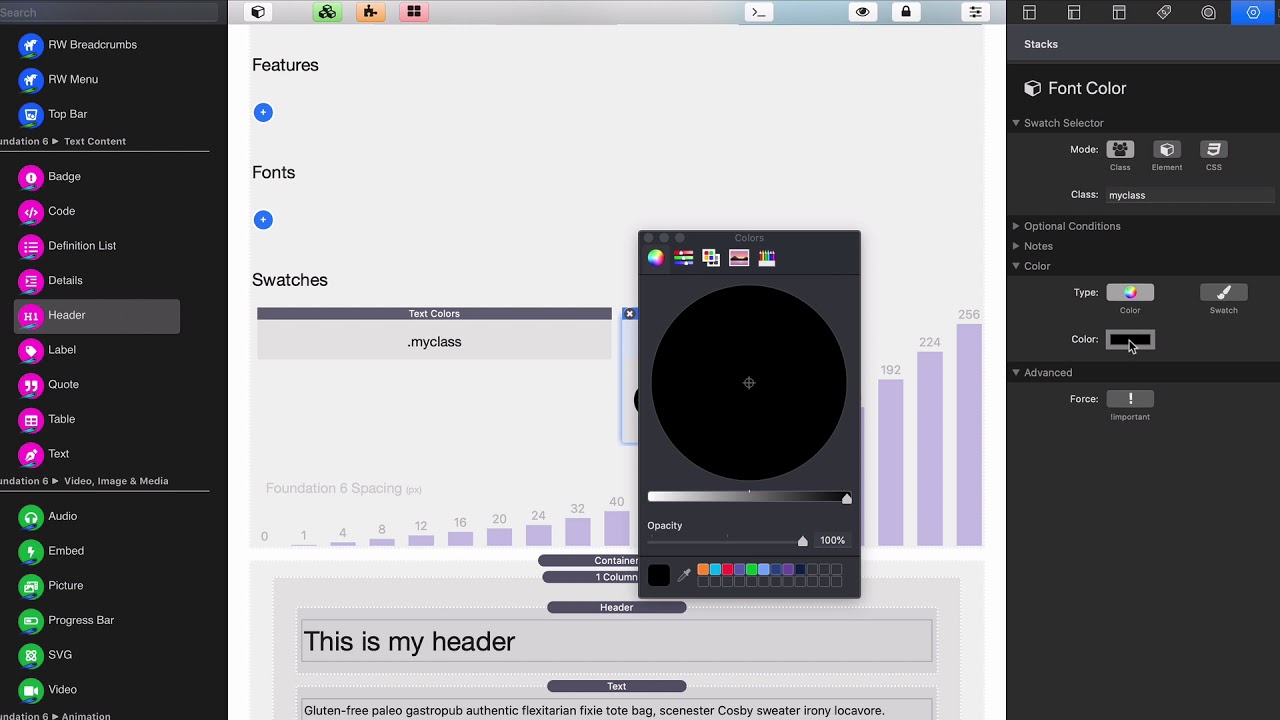
00:08 now by default all of our text colors
00:11 are defined inside site styles right but
00:14 if we want to create some custom styles
00:17 for our text we can do that easily with
00:19 some swatches we can use the text color
00:21 swatch okay to define some custom colors
00:24 and then give it a class that class can
00:27 then be added to the header or the text
00:30 stack another option that we have is the
00:32 font color swatch and this swatch isn't
00:35 quite as flexible as text colors because
00:37 we only have access to one color so if
00:39 you want to make your piece of text all
00:41 one color this swatch will work for you
00:44 okay now a couple caveats with this
00:47 let's go ahead and make this a red okay
00:50 and let's go ahead and make this a class
00:53 of red just for now so I'm going to add
00:55 this class of red both my header and my
00:58 text stack
01:01 okay be notice um the header actually
01:04 became red but the text did not why is
01:08 that well the reason for this is because
01:11 this red class got a headed to a
01:14 container that surrounds our text okay
01:18 so if we wanted to use the font color
01:20 swatch on a piece of text essentially
01:24 what we need to do is you need to go
01:26 into some optional conditions inside
01:28 your font color swatch and go to
01:30 pseudo-state and choose child element
01:32 okay and what that will do is that will
01:34 apply the style to everything inside of
01:38 the text because we want to apply this
01:40 class to the contents of the text act
01:45 so if we preview this now we'll see that
01:48 all of our text is now read now for font
01:52 sizes again the defaults are all set
01:54 inside cite styles but we can easily
01:57 override those with the font style stack
02:00 which allows us to define a class and
02:02 then some custom sizing and weight
02:04 options directly inside the swatch


