
Stacks Guru is born from the need to search the vast number of videos out there on stacks built for Stacks Pro and the Stacks 5 plugin for Rapidweaver.
We have scraped over 500 videos to get the transcripts for each in order to make the spoken word searchable.
Please use this free tool to help you learn and discover the awesome power that Stacks and the stacks made for Stacks have to offer.
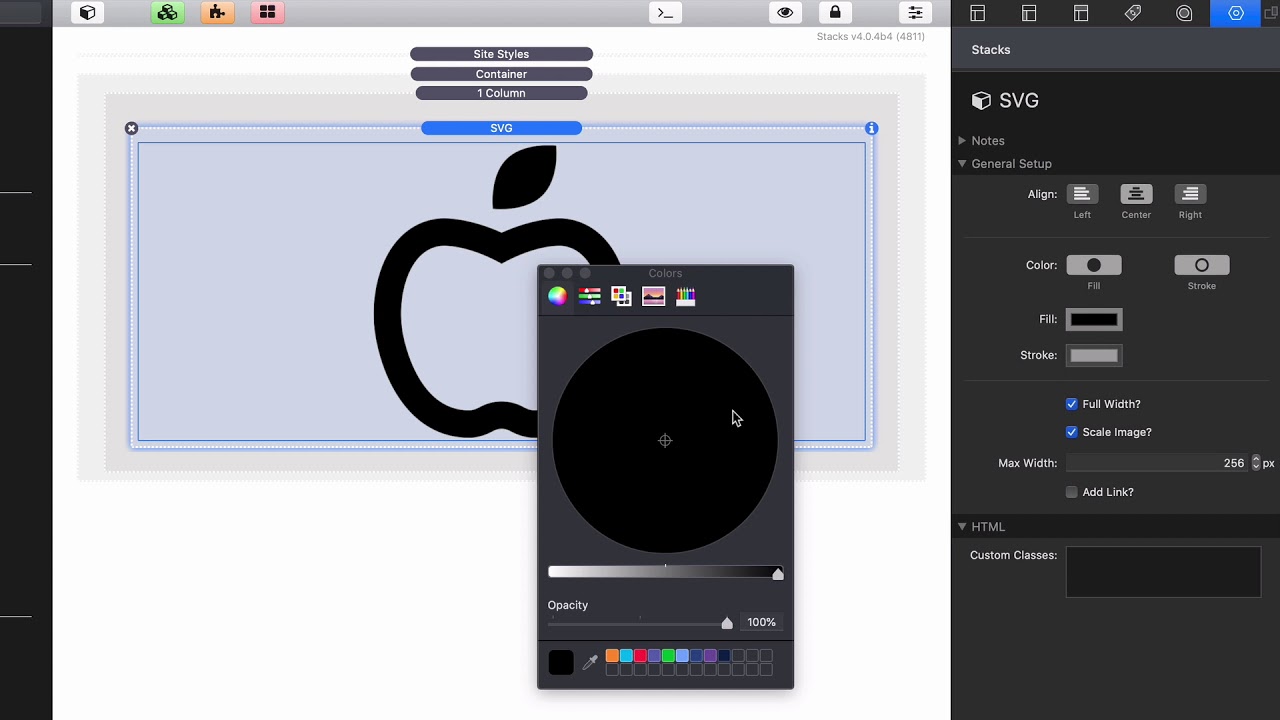
00:08 so you've probably heard that SVG
00:10 graphics are pretty much what
00:12 everybody's using right and they're
00:14 really great
00:15 there are basically scalable vector
00:16 graphics okay not every image can be
00:20 used as an SVG you can't just take any
00:23 sort of image that you want off the web
00:25 or off your hard drive and say make this
00:27 an SVG it needs to be something that's
00:29 kind of like you know looks like it's a
00:32 like this like this Apple right and if
00:35 you look if we double click on this will
00:37 see the SVG is just code that's it it's
00:40 not like some sort of binary format like
00:42 a PNG or JPEG they're not bitmap images
00:46 right they're different this this crazy
00:49 code is instructions for the browser to
00:53 how to draw an image right that's why
00:56 these are scalable infinite you can end
00:58 it doesn't matter if you're looking at
01:00 it at 3,000 pixels or if you're looking
01:02 at it at 20 pixels the instructions to
01:06 the browser to draw that image are the
01:08 same okay that's what makes it scalable
01:11 so the SVG stacks makes it really easy
01:14 as you see you double-click on here and
01:16 you have some SVG code and then the
01:18 settings are pretty straightforward
01:19 we have alignment you can adjust the
01:22 fill and the stroke colors and depending
01:24 on the SVG that you have these might
01:27 work or they might not work right so
01:30 this particular one we can change we can
01:32 change the fill color adjust that this
01:34 doesn't have it this particular SVG
01:35 doesn't have a stroke but um this will
01:38 allow you to adjust and modify that
01:40 right then we have some scaling things
01:42 so if you want it to be full width or if
01:44 you want you know full width and then
01:46 you know define a scale so you can say a
01:48 maximum of 256 pixels you can add a link
01:51 to the images okay so really simple
01:54 stuff now obviously we have some classes
01:55 to lay you allow you to leverage other
01:57 swashes if you want to apply other
01:59 styles to this um if you'd like all
02:02 right um so that's pretty much it if you
02:04 have an SVG that you want to actually
02:06 warehouse on because this SVG here in
02:09 when you use it inside the stack is
02:11 embedded into the HTML
02:13 so if you're gonna be using an SVG a lot
02:15 throughout your entire site you might
02:17 want to warehouse that and use and
02:19 reference it using the picture stack for
02:23 information that check out our videos on
02:24 the picture stack but I also want to
02:27 show you how we can um get an SVG and
02:30 how to get this code okay
02:34 so here I have an SVG file this is
02:37 actually the Weaver space logo as an SVG
02:39 and what I can do is I'm just gonna open
02:42 this inside my favorite text editor um
02:44 this is a code editor that I use called
02:46 Nova and essentially what you'll notice
02:49 in here um it's just a bunch of code
02:53 now when you have this SVG you'll notice
02:56 that the very first line is XML version
02:58 1.0 bla bla bla we do not want a VAT
03:02 okay
03:03 essentially what you want this SVG tag
03:06 all the way down to the bottom so I can
03:08 copy this
03:12 and if we go back into rapidweaver I can
03:15 simply paste my code into here click OK
03:18 and there we go I have my Weaver space
03:21 logo as an SVG stack now


