
Stacks Guru is born from the need to search the vast number of videos out there on stacks built for Stacks Pro and the Stacks 5 plugin for Rapidweaver.
We have scraped over 500 videos to get the transcripts for each in order to make the spoken word searchable.
Please use this free tool to help you learn and discover the awesome power that Stacks and the stacks made for Stacks have to offer.
00:00 hi it's Rob from Joe work when stacks so
00:03 I'm going to show you how to use a
00:04 Google Doc and import it with PDF embed
00:09 of Joe workman the stack of dual work
00:11 Lane so open up a Docs Google Docs
00:17 document and here I have one called game
00:20 of Epson it's got some images has some
00:22 text and I'm going to go to the share
00:28 button when you do that it'll bring up a
00:32 new new sheet in front of the doc window
00:36 you want to click on the advanced button
00:38 and that will bring up another one now
00:41 you might see here that it does not say
00:44 public on the web anyone the Internet
00:46 can find and view if it says that it's
00:49 private then you'll want to make sure
00:52 that you hit click on the Change button
00:54 here and make sure that on public on the
00:58 web is clicked click on save
01:01 don't worry about the own or anything
01:03 else the only other thing you need here
01:05 is the link to the Google Doc which is
01:08 this link right here so I'm going to
01:09 copy that
01:10 okay now I'm gonna go into rapidweaver
01:14 make a new project and since I am doing
01:21 this in foundation let's not do it in
01:25 foundation let's make it a different
01:27 theme let's choose one of the basic ones
01:28 that come with rap Weaver and we'll
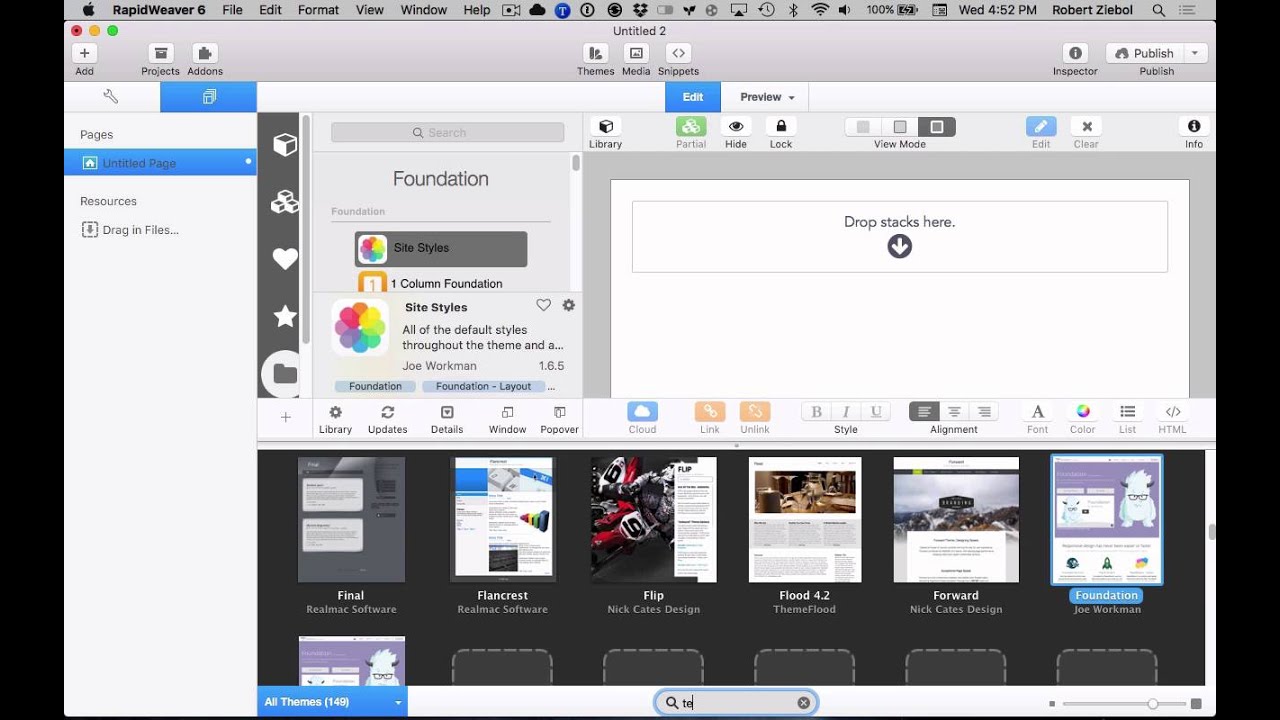
01:31 choose Tesla and then let's find the PDF
01:35 embed stack and go into the stack
01:40 settings so then you want to set the
01:43 link and you'll paste that link you
01:45 copied from Google Docs into the URL
01:50 area click on set link make sure the
01:53 embed viewer is the Google viewer now I
01:56 know our FAQ on this shows a different
02:00 one let's get to that where is that down
02:05 here I hope it's up above sorry there is
02:08 a Google viewer in Google Docs make sure
02:10 it's Google view or Google Docs is no
02:12 longer an option
02:13 so this
02:13 image I will change at some point so you
02:17 make sure that it's Google viewer you
02:19 can adjust the P Hut PDF height and the
02:21 viewable height and all that stuff if
02:22 you want I'm gonna leave it just the
02:24 basics right now and I'm gonna refresh
02:28 or I'm a preview sorry turnoff the
02:31 settings so you can see it and there is
02:33 the PDF document in your Tesla theme so
02:44 that's how you include a Google Docs
02:48 document into a PDF embed stack I hope
02:52 you've enjoyed this quick tutorial if
02:55 you have any questions go ahead and send
02:57 them in to us and we'll try to get to
02:58 them as soon as we can
02:59 thanks for watching happy weaving


