
Stacks Guru is born from the need to search the vast number of videos out there on stacks built for Stacks Pro and the Stacks 5 plugin for Rapidweaver.
We have scraped over 500 videos to get the transcripts for each in order to make the spoken word searchable.
Please use this free tool to help you learn and discover the awesome power that Stacks and the stacks made for Stacks have to offer.
00:01 when first getting started with velvet
00:03 first we need to add a single velvet
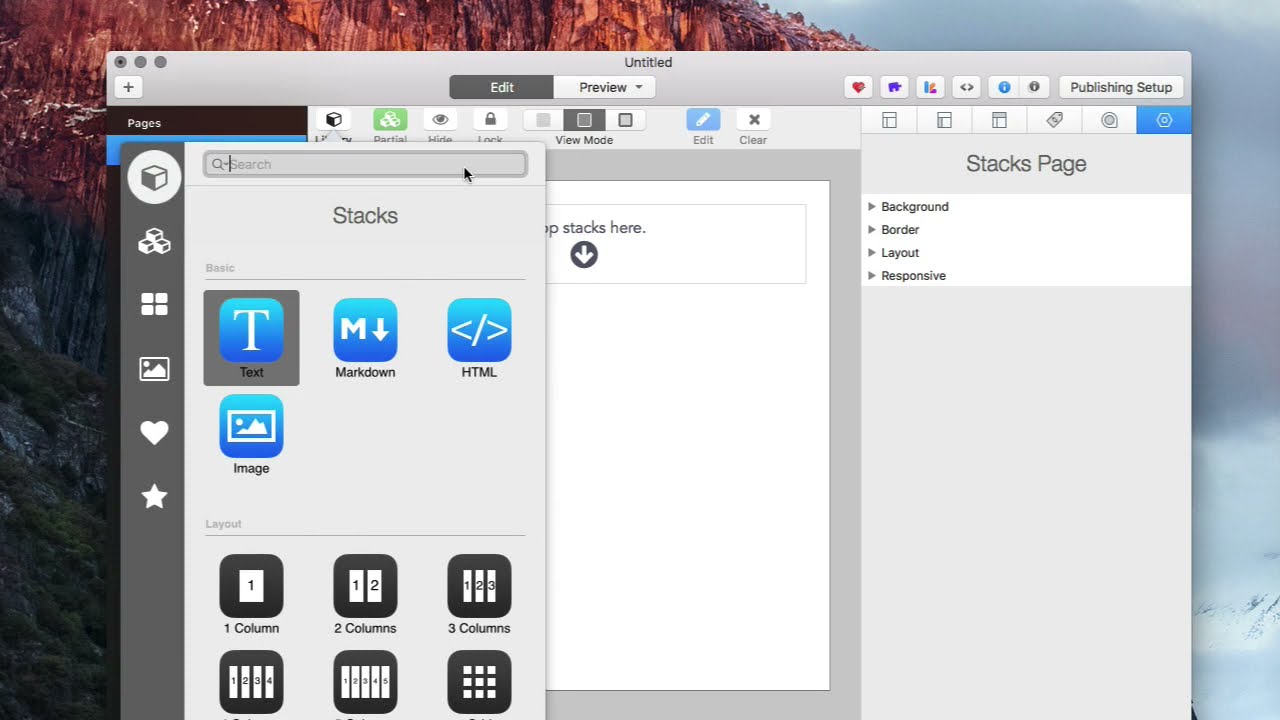
00:05 bass stack so we're going to open our
00:07 library
00:09 type in vel for velvet and add a single
00:12 velvet bass stack
00:15 only one velvet bass stack is required
00:17 for a stacks page
00:18 next we're going to add the velvet video
00:20 stack
00:24 double-click this stack to open up its
00:26 stack options
00:29 we're going to first take a screenshot
00:31 of our video and put it in this
00:32 thumbnail area
00:35 so over here we have a vimeo video i
00:37 want to use
00:38 to take a screenshot i'm going to hit
00:40 shift command 4 on my keyboard and it's
00:42 going to bring up this cursor
00:45 that kind of looks like a crosshair i'm
00:47 going to go up to the video
00:49 and click and drag
00:55 i'm going to drag this screenshot into
01:00 the thumbnail area next i'm going to
01:03 need the vimeo id
01:05 for my video and this is at the top
01:07 portion
01:08 of the browser so i'm going to just put
01:12 this number
01:13 in here and it's ready to play


